Clone
Bring on-chain programs and their account graph into the local SVM sandbox through the desktop UI. Program, IDL, transitive accounts - all driven from the sidebar.
Add a program
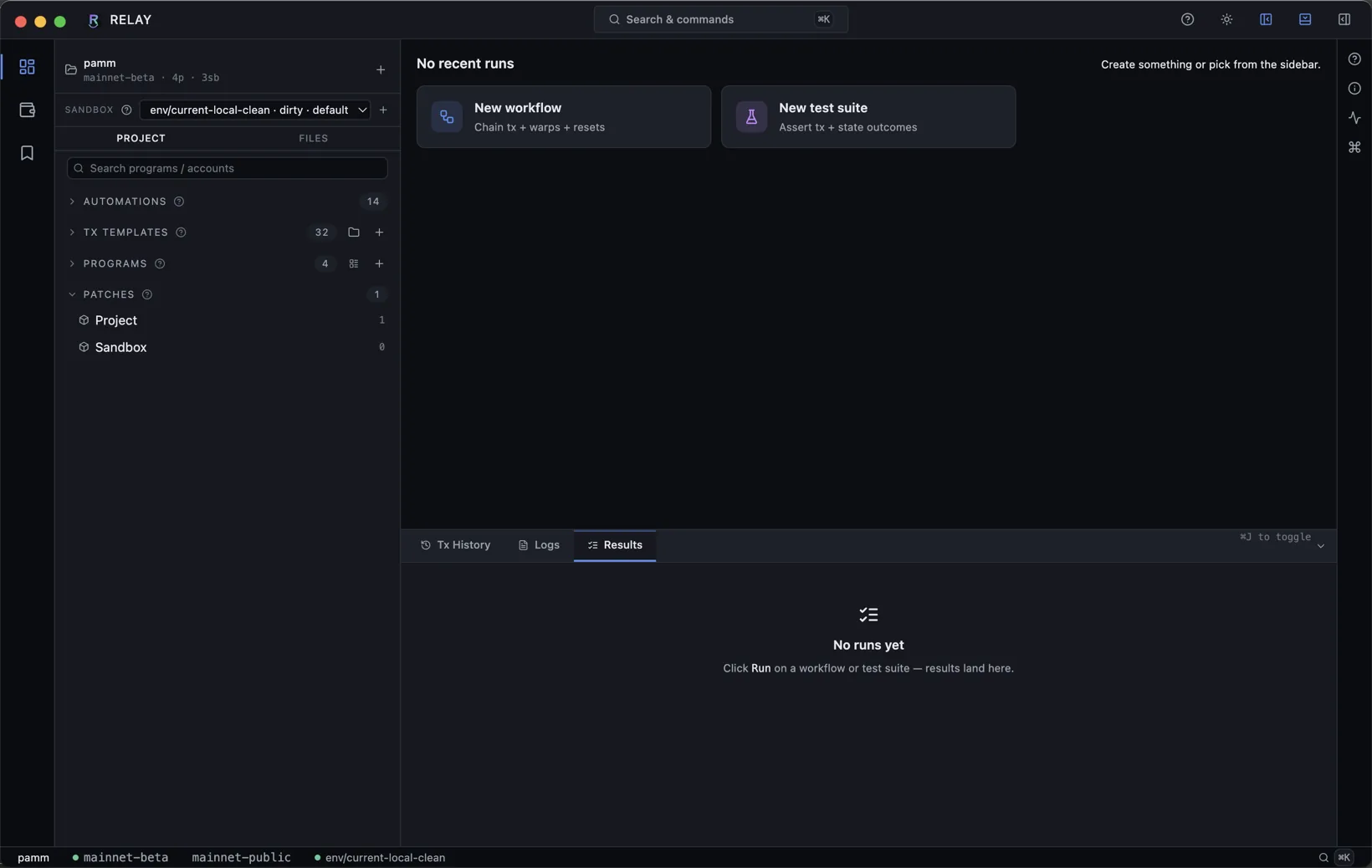
In the project sidebar, expand PROGRAMS and click the +. Paste a program id, pick the source RPC, optionally pin a slot, and confirm. The Program and any registered Anchor IDL stream in while Reley caches the blob under the project root.
Add an account
Accounts live under a program for organization. Right-click a program row → Add account, or use the inline +. Paste the address, give it a human label, confirm. The blob is fetched and cached.
- Anchor PDAs decode against the program's IDL automatically.
- Native (SPL Token, Token-2022, lookup table) accounts are decoded against built-in layouts.
- Unknown layouts still clone - Reley stores the raw buffer and shows it as hex.
Auto-clone during a tx
When you build or replay a tx that touches an account Reley hasn't seen, the runtime asks the project's RPC for it and caches the result. Toggle this in Settings → Auto-clone if you want every account explicit.