First session
Five minutes from launching the app to a running SVM sandbox that thinks it's mainnet. Create a project, clone a program, patch a field, send a tx.
Launch + create a project
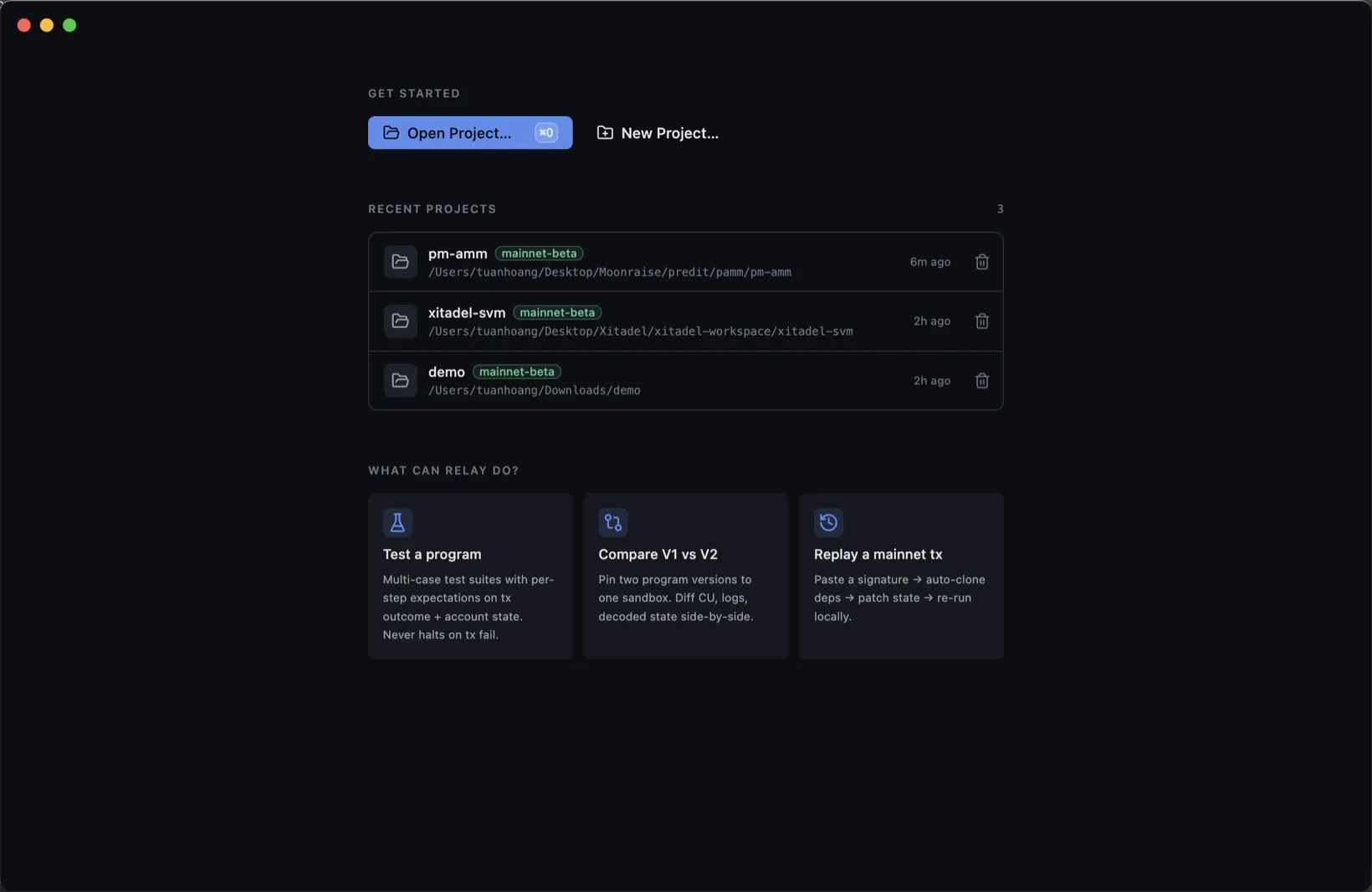
Open Reley. The Welcome screen offers Open project…, New project…, recent projects, and use-case shortcuts. Click New project…, pick a folder, name it, choose an RPC.
Clone a program
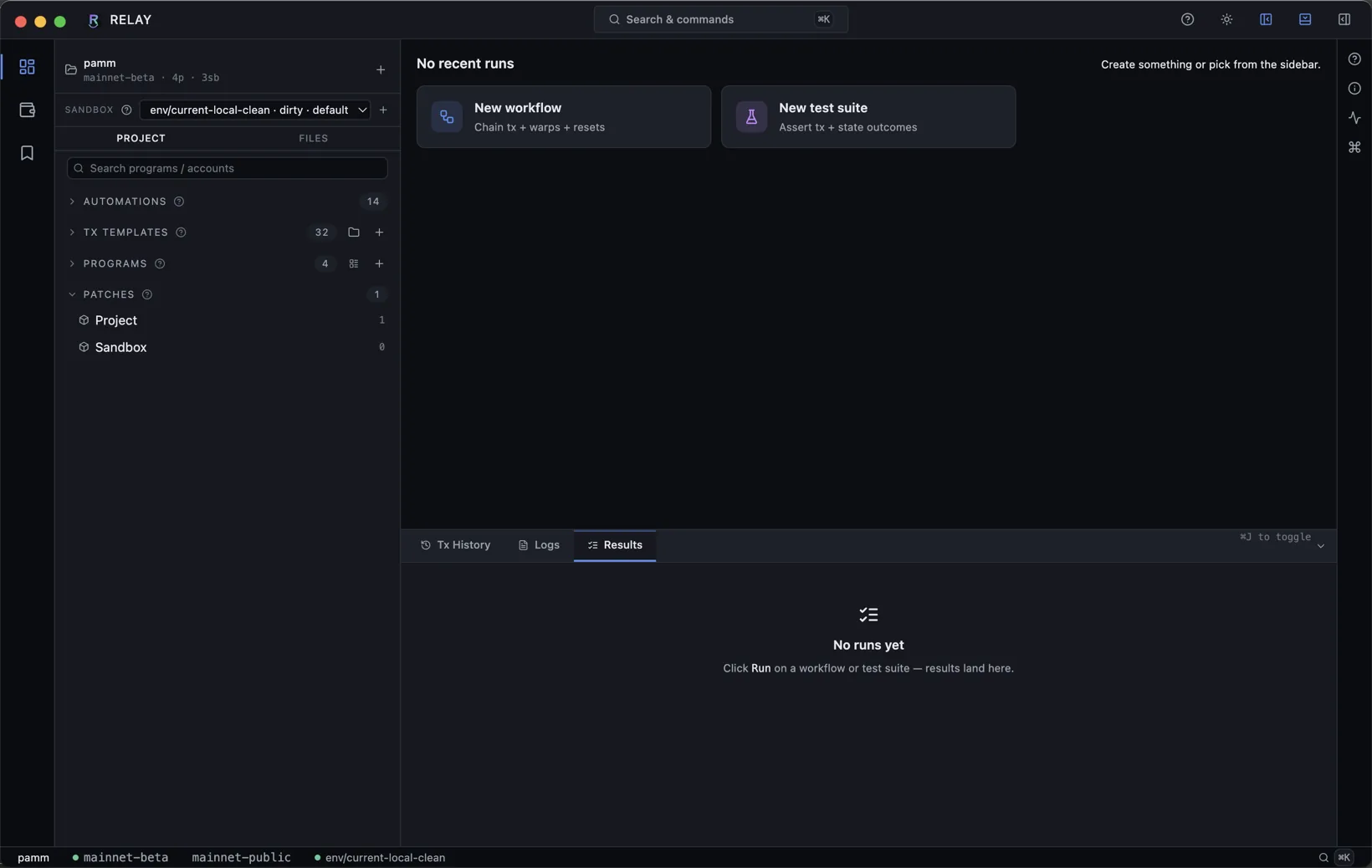
Inside the project, expand PROGRAMS in the sidebar, hit +, paste a program id (e.g. SPL Memo: MemoSq4gqABAXKb96qnH8TysNcWxMyWCqXgDLGmfcHr). Reley pulls the Program and any registered Anchor IDL.
Pick a session
Sessions live under SESSIONS in the sidebar. Click one to load it. Patches apply on creation; Reset via the session row context menu discards mutations and re-hydrates.
Send a transaction
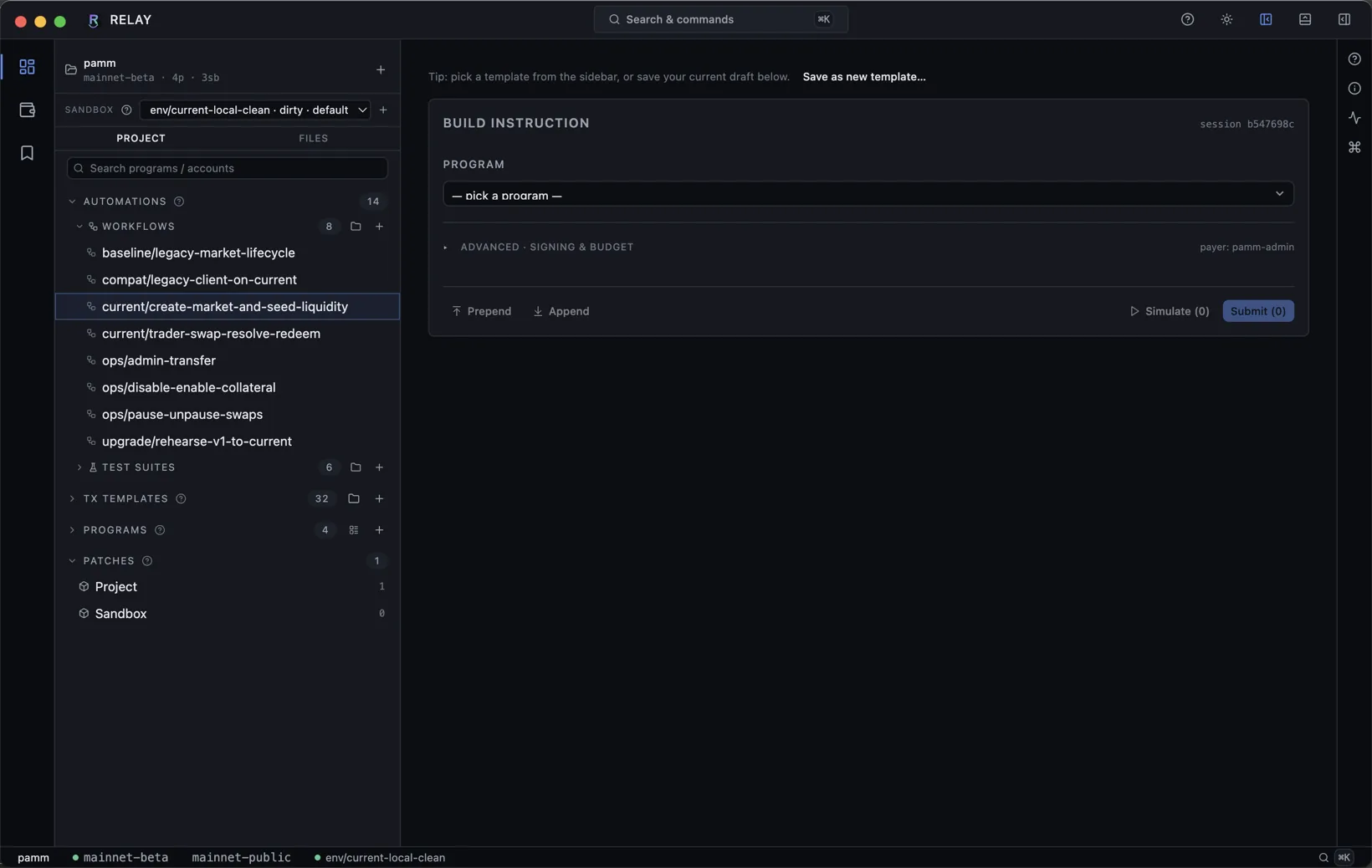
Switch to the Tx Builder pane (default for new sessions, or via ⌘K → Open Tx Builder). Pick a program, fill the IDL form, attach accounts, choose a payer. Simulate runs without commit; Submit lands the tx.
Publish as JSON-RPC
Open the right rail Inspector → Details → find the RPC endpoint card → Start. The session URL appears - copy it and point any Solana client at it.
@solana/web3.js, Anchor, and Phantom dev mode. No mock layer, no proxy. The bytes are the bytes.