Concepts · Desktop UI
Patch
Mutate any field on any cloned account through the Patch editor. Anchor accounts decoded against the IDL, SPL Token / Token-2022 against native layouts, raw splice for everything else.
Open the Patch editor
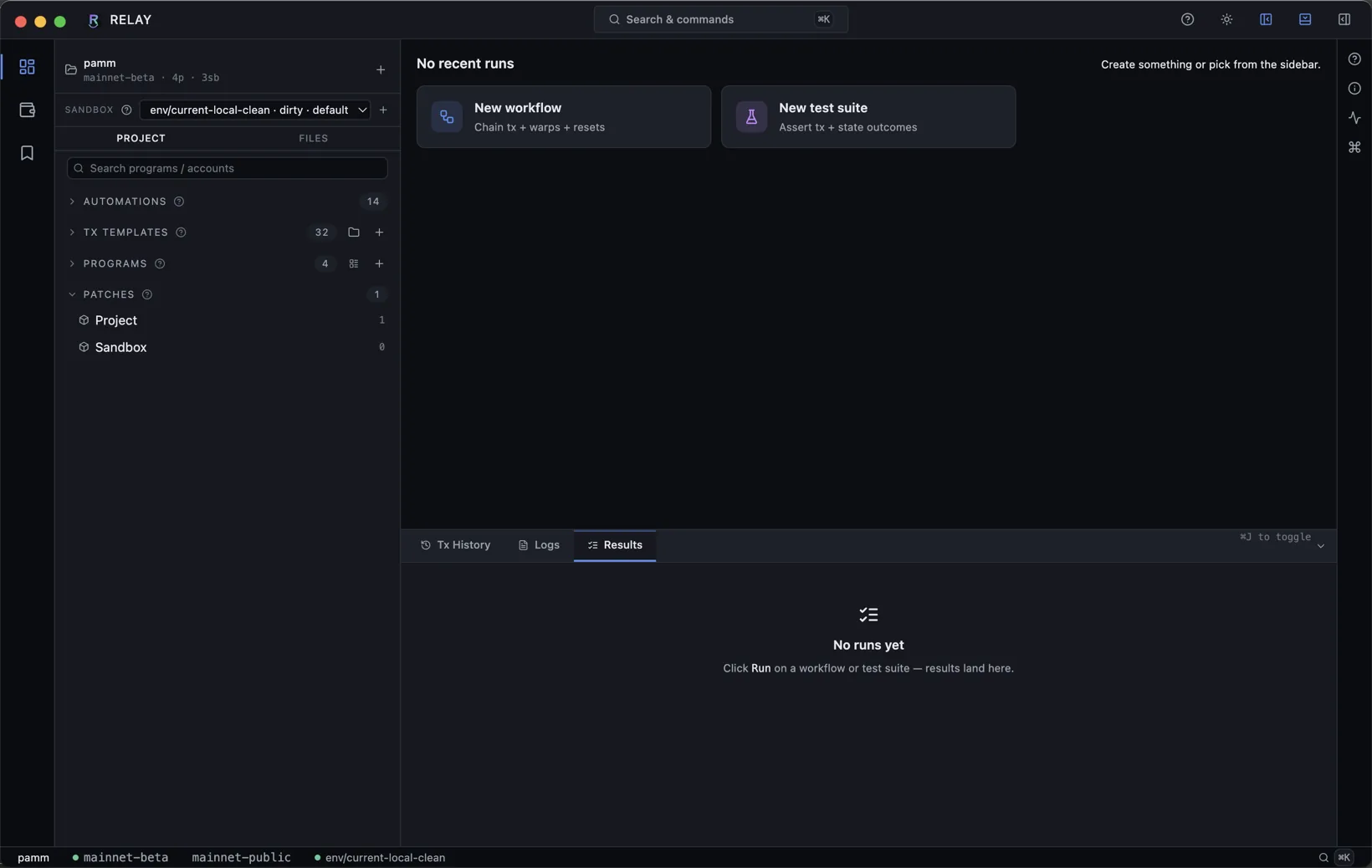
Sidebar PATCHES → pick a scope (Project applies to every session in the project; Sandbox applies only to the active session). Hit + on an account row to stage a new patch.
Three modes
- IDL field set. Anchor accounts open with a typed field tree. Pick a field, type a new value, save. Discriminator preserved.
- Native layout. SPL Token mint authority, Token-2022 extensions, lookup table addresses - all surfaced as named fields.
- Raw splice. Byte-offset editor for accounts with no decoder. Pick offset, supply hex bytes, save.
Example - flip a pool admin
Open the Patch editor on a Meteora DLMM pool PDA. Find admin in the field tree, click the value, paste your wallet pubkey, save. Choose Project scope so every session in the project will boot with the patched admin.
Reset behavior
Projectpatches re-apply on every session reset and on every new session.Sandboxpatches are wiped by a session reset - useful for scratch experiments you don't want to keep.
note
Patches are not transactions. They mutate the SVM sandbox account store directly. Use them to set up preconditions; use transactions to test the code paths your program actually runs.